Replacement remote for Panasonic DMR-EX769
A replacement remote control for your recorder. Batteries available as an optional add-on.
£9.99Free UK delivery
 Basket0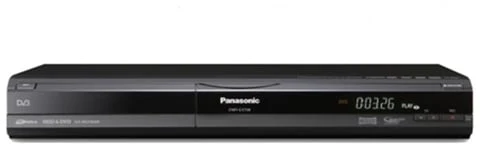
Model reference photo. The recorder itself is not included in the accessories below.
PANASONIC · MODEL STORE
Find the UK DMR-EX769EB manual, identify the original accessories and get help connecting your recorder. Download the PDF free with your email, or choose a printed manual and replacement parts.
Free digital copy · email required
Email required. No payment.Accessories for your Panasonic DMR-EX769.
Recorder not included. RF cable sold separately.
Replacement remote for Panasonic DMR-EX769
Remote reference: N2QAYB000332 Guaranteed compatible
JUST NEED ONE THING?
A replacement remote control for your recorder. Batteries available as an optional add-on.
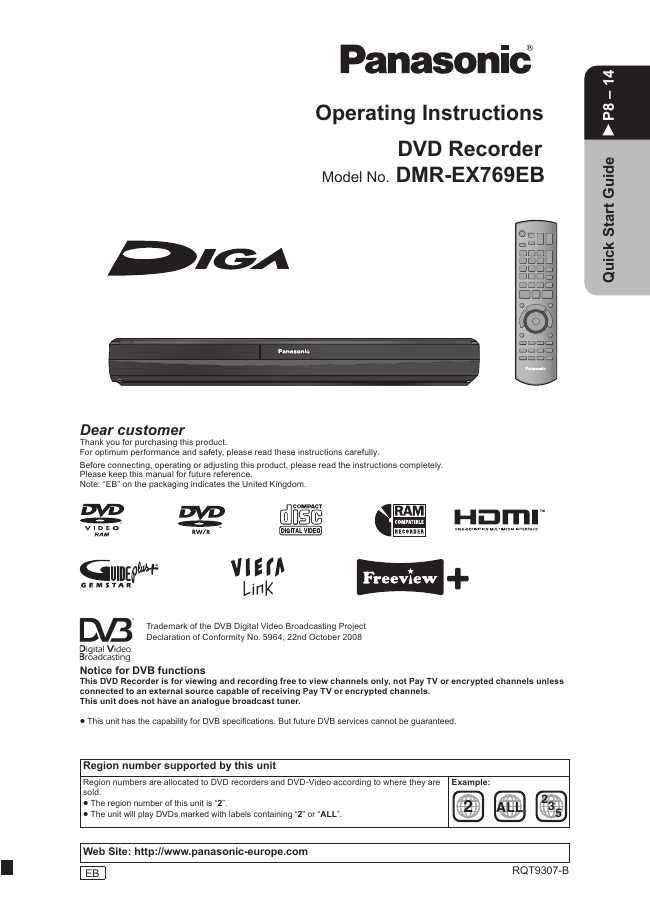 A4 PRINTED COPY
Your model’s PDF manual printed on A4 and delivered to your door. £9.99 printing charge.
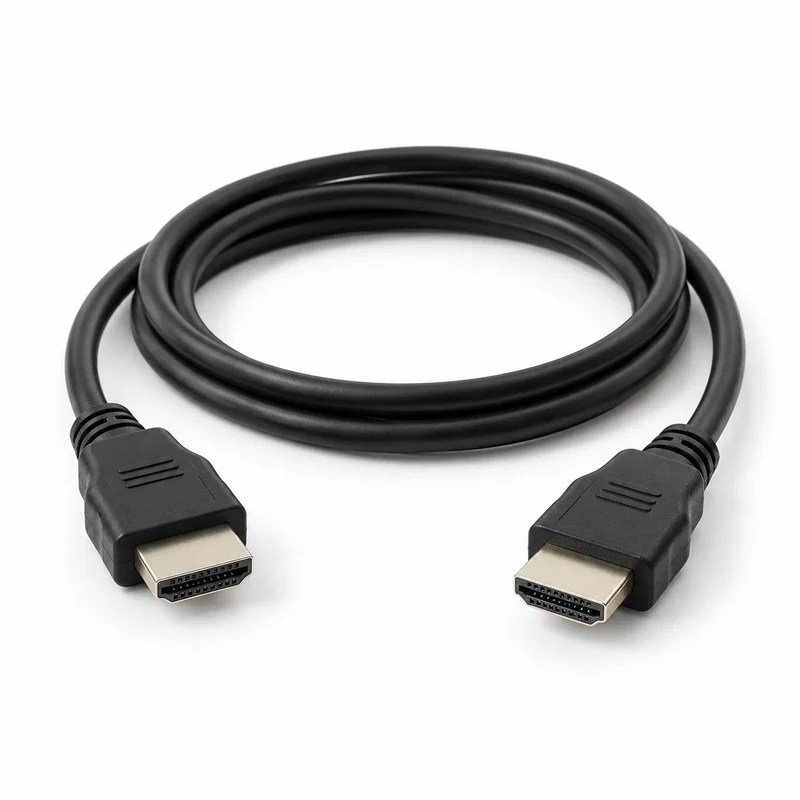 1.5 METRES
A 1.5 metre HDMI cable for connecting your recorder to a compatible TV.
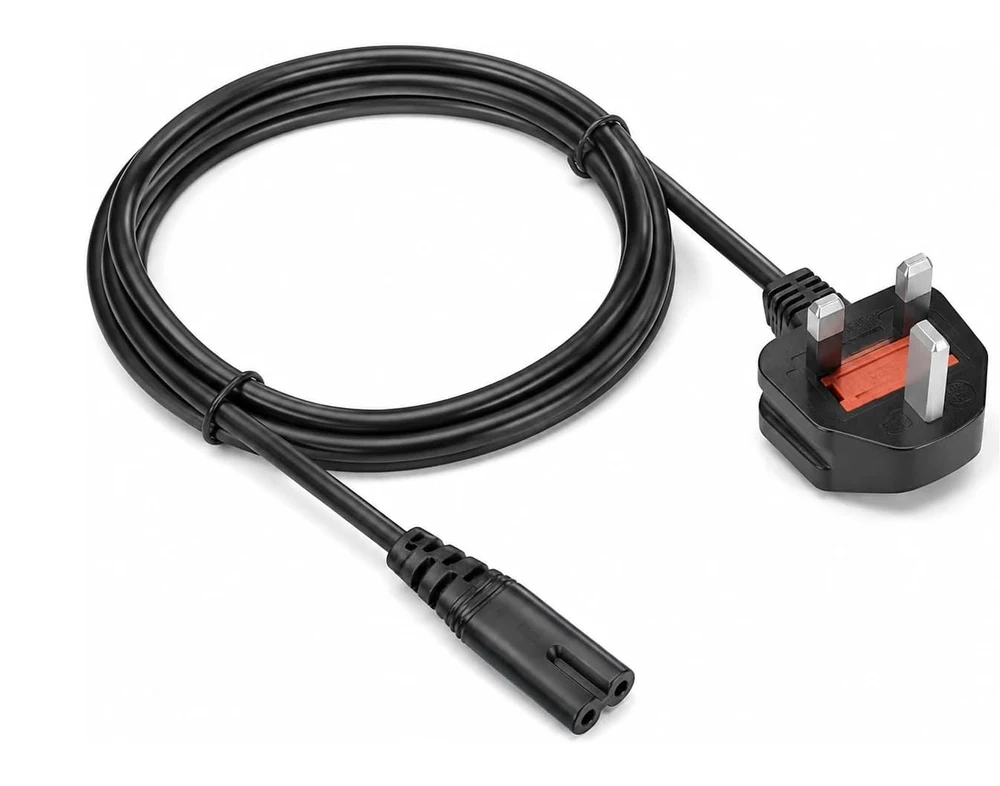 UK MAINS
A UK mains lead with a figure-8 connector.
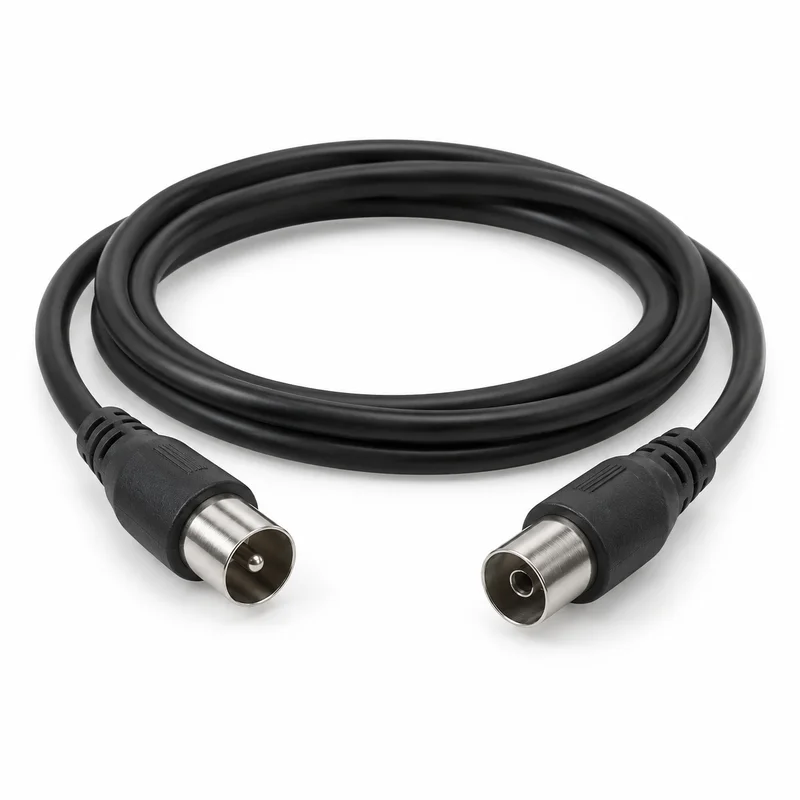 AERIAL CONNECTION
An RF coaxial cable for the recorder’s aerial connection.
HDMI and RF cable images are AI-generated illustrations. Manual covers are taken from the corresponding PDF where shown. The £9.99 manual price is a printing and delivery charge; the digital PDF is free. This is a checkout preview. Payments, stock confirmation and printed-manual reproduction permission must be in place before orders can be taken.
THE UK EDITION
The reference for this guide is Panasonic’s English operating instructions, RQT9307-B. It covers the UK DMR-EX769EB recorder, commonly searched for as DMR-EX769.
Check the model label on your recorder. The 72-page RQT9308-L manual is for the EC/EF edition and uses different page references.
Read the guidance here without entering an email. The free PDF download requires an email; marketing emails are optional. The A4 printed manual is £9.99 with free UK delivery.
Go to the PDF downloadCHECK BEFORE REPLACING
Use the original part references to identify what is missing from a second-hand recorder.
| Original accessory | Reference / quantity |
|---|---|
| Remote control | N2QAYB000332 |
| AC mains lead | K2CT3CA00004 |
| RF coaxial cable | K1TWACC00001 |
| Remote batteries | 2 × R6 / AA |
HDMI was an optional connection, not a supplied accessory (page 12). Our £24.99 bundle adds a printed manual and 1.5m HDMI cable; the RF cable is separate. Original part numbers are identification references, not a claim that every replacement is an original Panasonic item.
See the accessory bundleGET CONNECTED
Switch off the connected equipment before changing cables. Panasonic’s connection diagrams are on pages 10–12.
Connect the recorder’s HDMI AV OUT to an HDMI input on the TV. Select that input using the TV remote. HDMI carries both picture and sound.
Manual: page 12Connect the aerial to RF IN on the recorder. An RF cable from the recorder’s RF OUT to the TV’s aerial input passes the aerial signal through; it does not carry DVD playback.
Manual: page 10Connect the correct mains lead after the other connections. On first setup, follow the on-screen channel and clock prompts. For an existing unit, check the clock before scheduling a recording.
Manual: pages 10, 13–14Using an older TV? The UK manual also shows a connection from AV1 (TV) to the TV’s SCART input. Match the connection to your TV before choosing a cable or converter. See pages 10 and 68–70 for the alternatives.
MODEL-SPECIFIC HELP
Short answers based on the UK manual. Read the referenced pages for the complete procedure.
Panasonic lists N2QAYB000332 as the original remote. Check the assigned replacement on this page before choosing a bundle; an original part reference does not mean a replacement is a genuine Panasonic part.
Panasonic RQT9307-B · Page 3The remote and recorder may be using different control codes. Hold OK and the matching number (1, 2 or 3) on the remote for more than five seconds to match the code shown on the recorder. The full code-setting procedure is in the manual.
Panasonic RQT9307-B · Page 75No. The RF connection passes the aerial signal through to the TV. Use an HDMI or suitable AV connection to see the recorder’s menus and playback. Select that same input on your television.
Panasonic RQT9307-B · Pages 10–12With playback stopped, open FUNCTION MENU, then Others → Setup → Others → Clock. For manual adjustment, switch Automatic to Off, set the time and date, then press OK to save.
Panasonic RQT9307-B · Page 14Check that the TV is set to the connected HDMI or AV input and that the cables are firmly seated. For sound, also check mute and any amplifier input. When using HDMI audio, check that Digital Audio Output is set to HDMI and Optical.
Panasonic RQT9307-B · Pages 12, 65 and 79–80The UK manual says DVB Auto Setup keeps HDD recordings, but deletes channel settings and timer recording programmes and resets other settings. Review page 61 before starting a retune, and make a note of any scheduled recordings.
Panasonic RQT9307-B · Page 61Source: Panasonic DMR-EX769EB Operating Instructions, RQT9307-B, UK English edition. Page references checked on 2 October 2026. These notes summarise the manual; they do not describe testing of an individual recorder. Broadcast services and reception depend on current availability.